
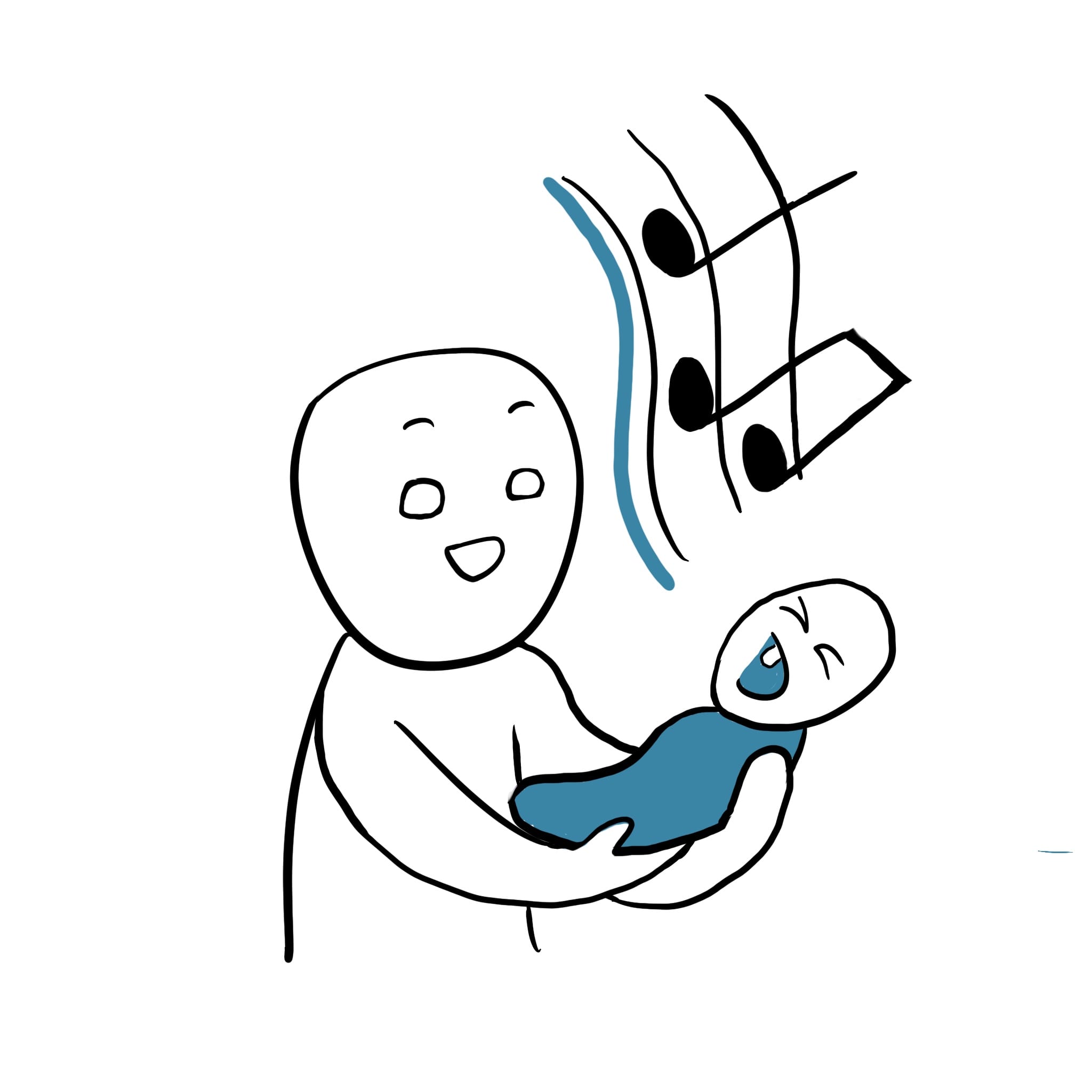
Riffs are fruits of spiritual labor
And they come to us at random times. Phones are the most immediately available device to capture them. Default recording apps works, but there are contextual pain points for musicians.
PAIN POINTS
SOLUTIONS
1
Beyond words
At it’s birth, a musical idea is outside language. But computers need file names.
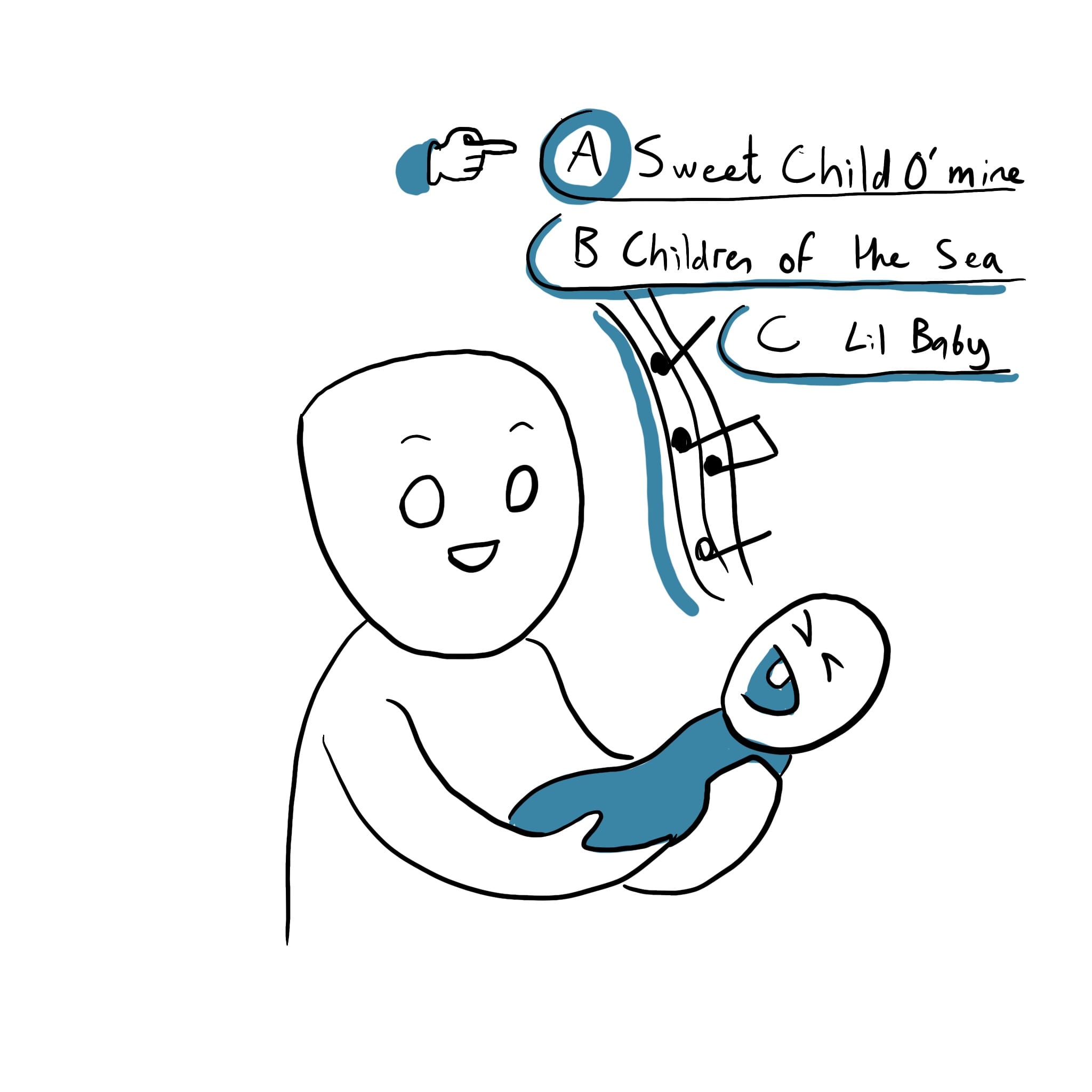
Quasi-random naming
Offload the cogntive load to a random name generator. Some bands even leave the naming of songs on album to the very end.
2
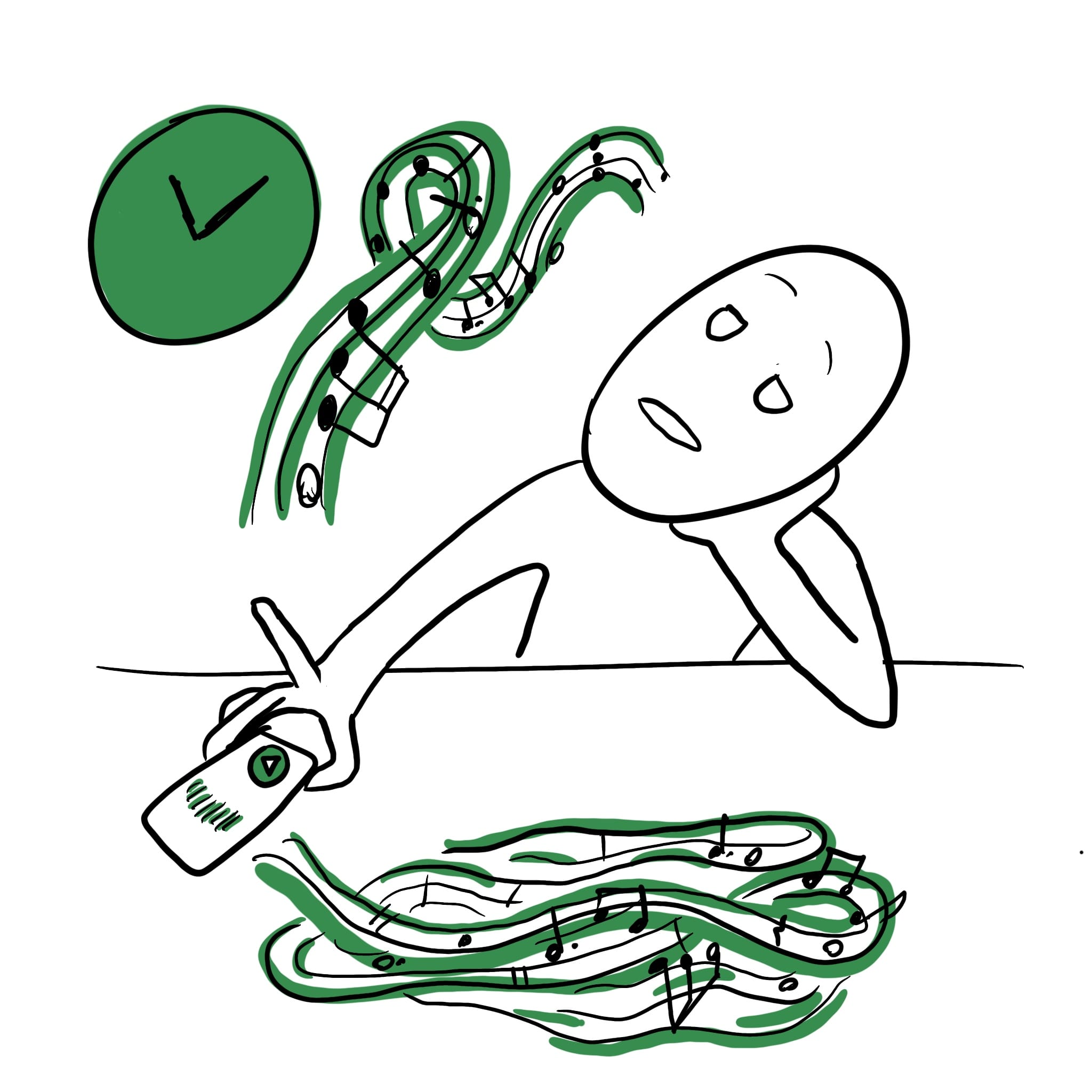
Reviewing takes long
So we avoid longer jam sessions. Not to mention storage: losing phone = losing riffs
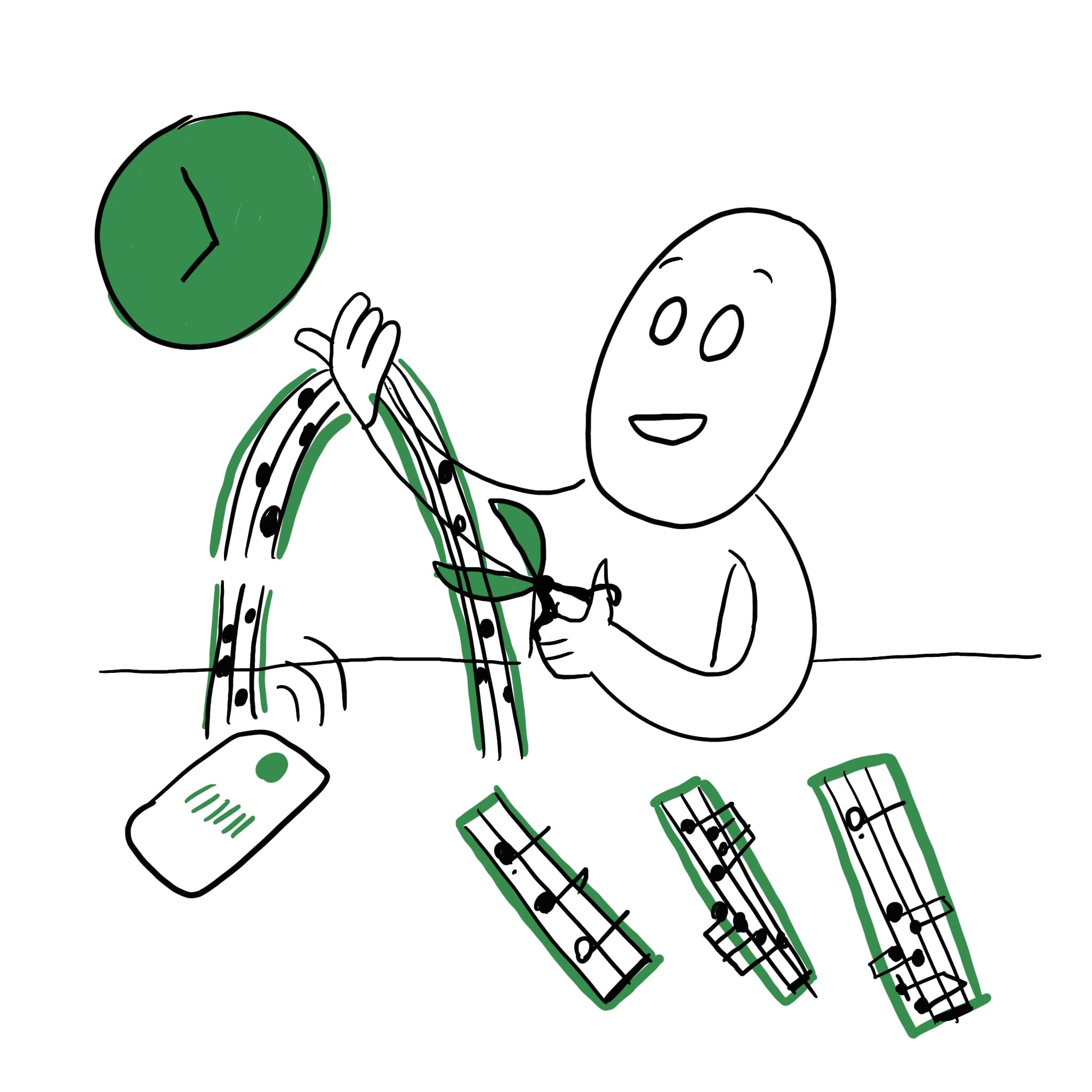
Crop, Trim, Split
At any point. Go through it once, and the resulting bits can be tagged and indexed later.
3
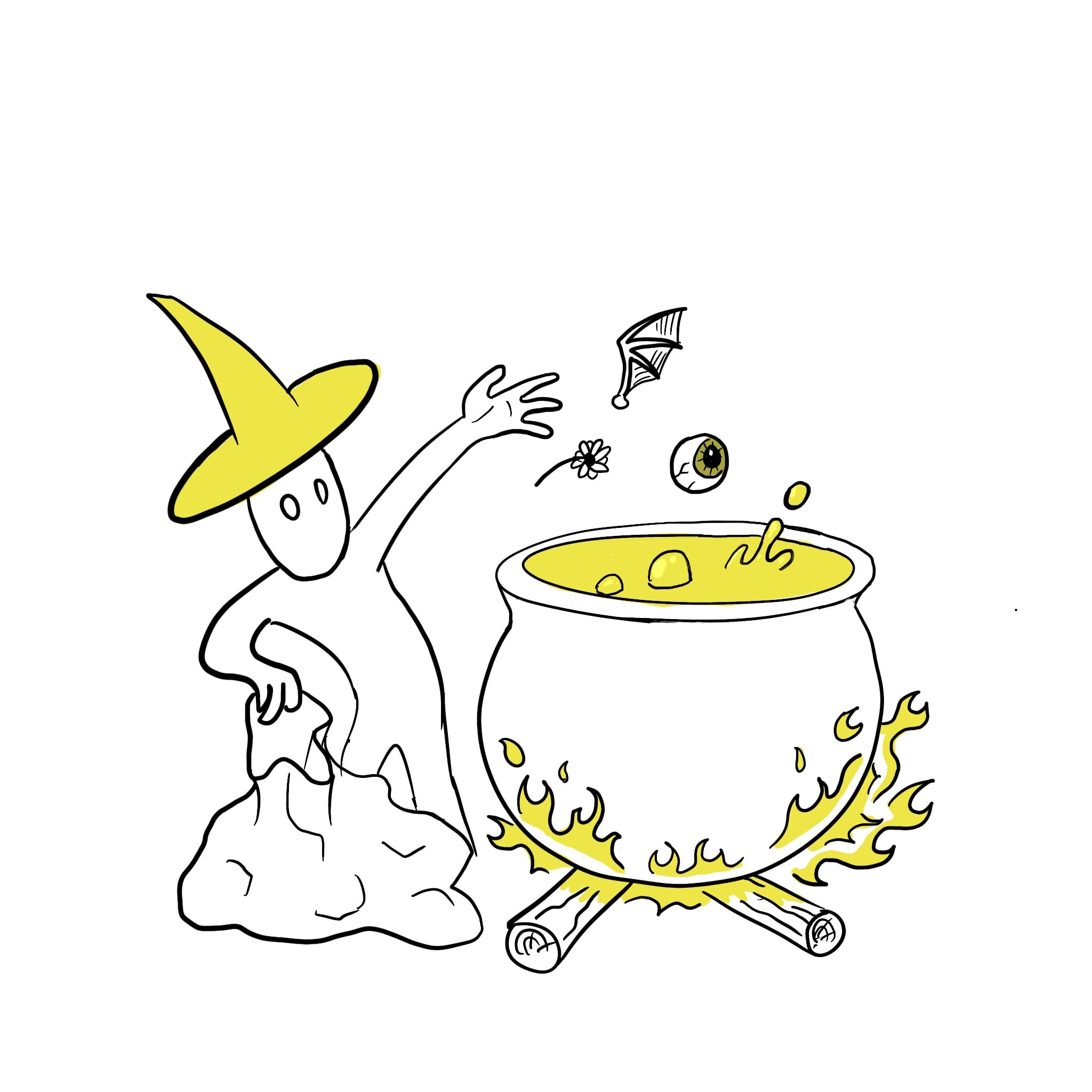
Best I can do is alchemy...
But we seek chemistry between riffs. If we lack ways to categorize them, the process of combining feels becomes linear and laborious.
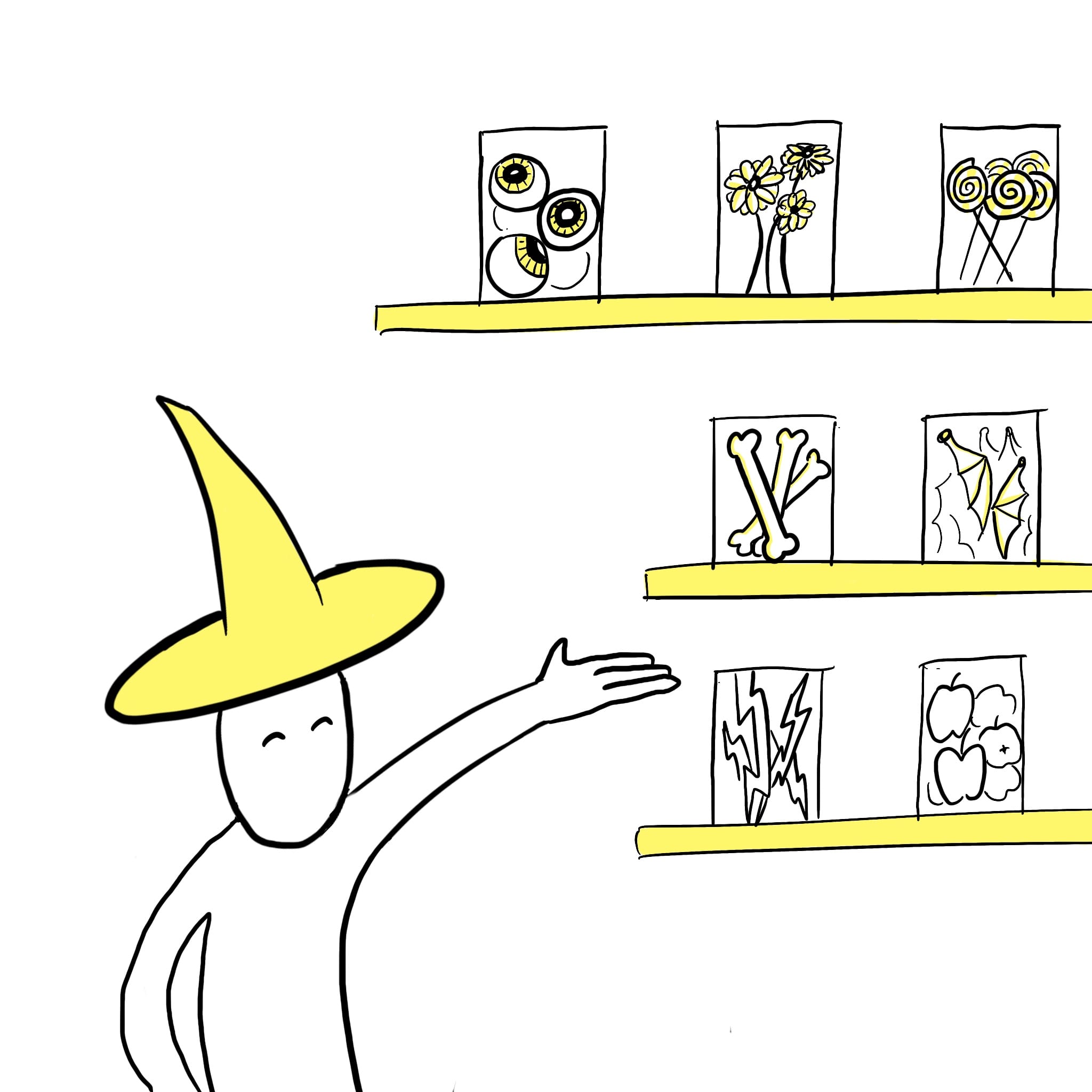
Riff Jars
Create a subjetive periodic table of musical elements. Choice of pre-set categories (eg moods: ‘nostalgia’, ‘vitality’, ‘tension’) or create our own
4
Listen to THIS
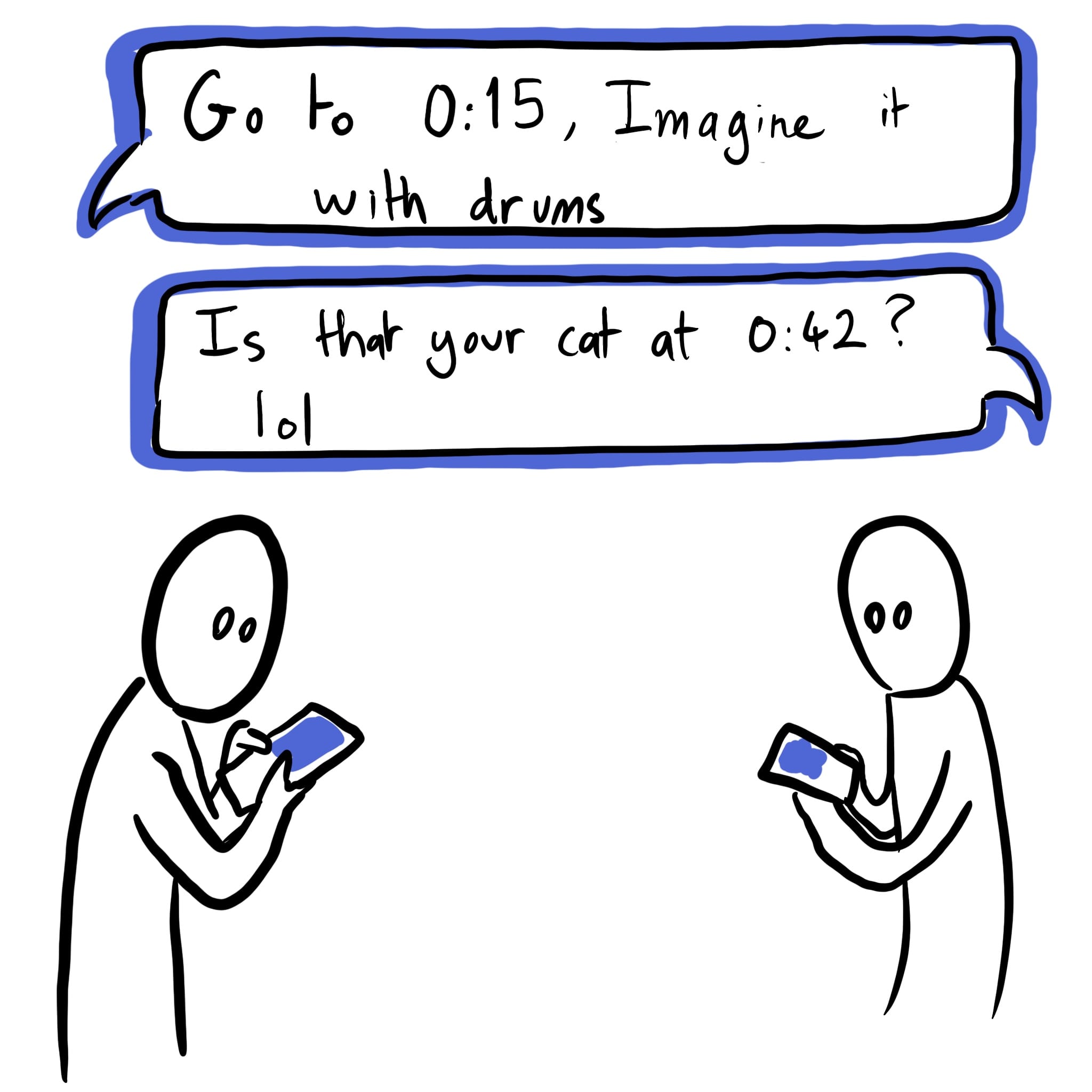
Sharing ideas effectively with others / band mates is inconvenient, for all the reasons listed.
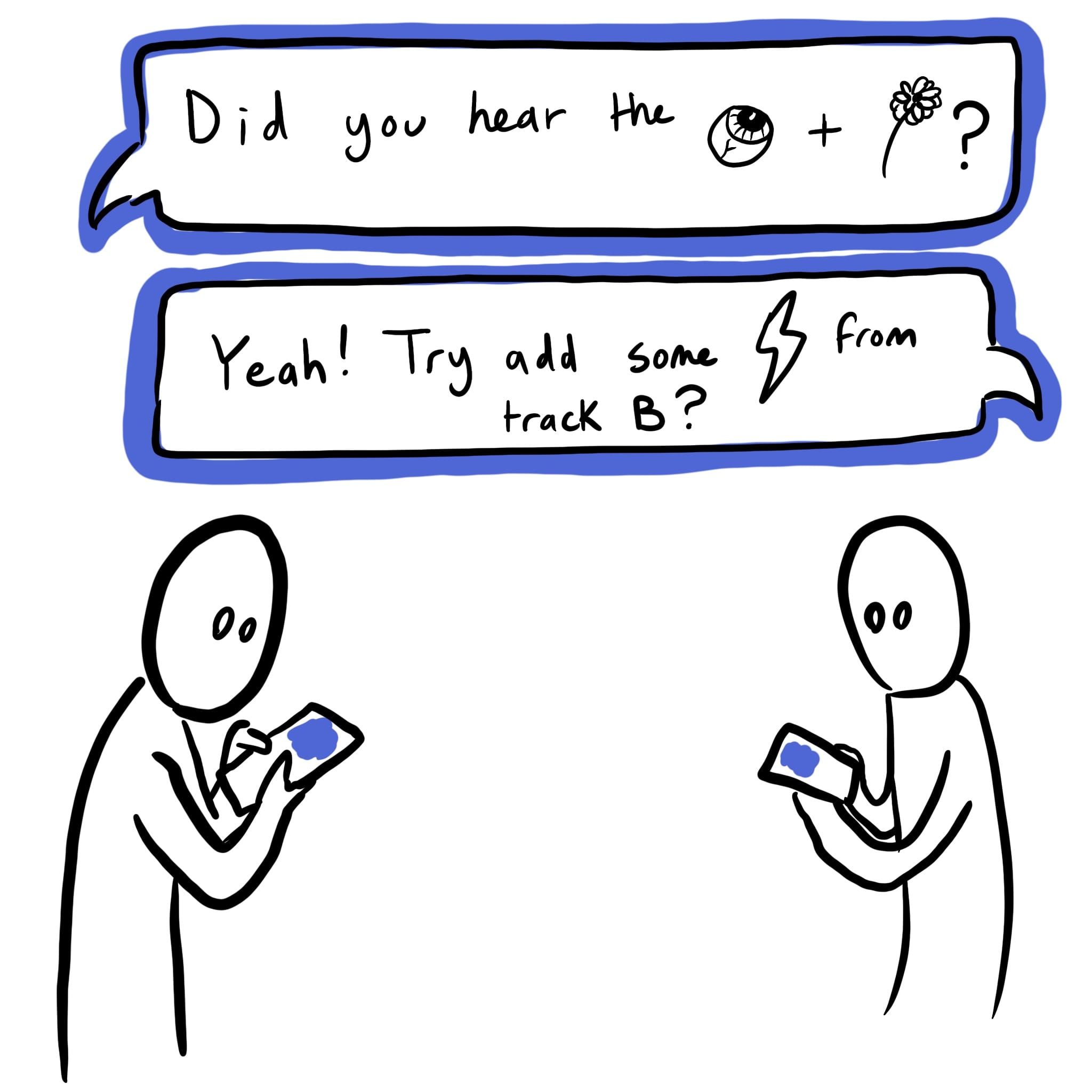
Sharing specificsThe neater, the easier to give feedback. Symbolic tags (”riff jar” tags) can become a common language that builds over time
DEVELOPMENT
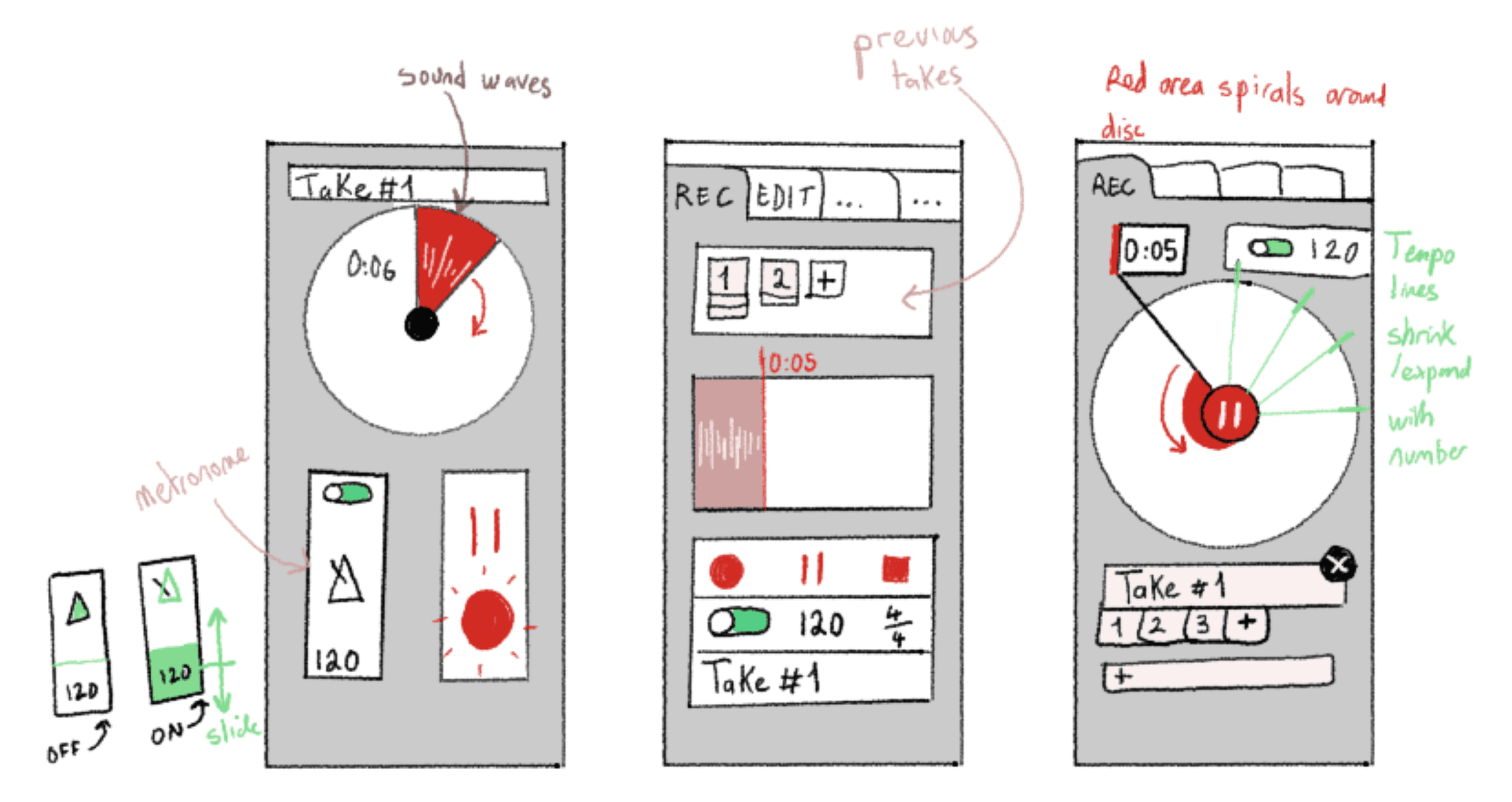
Wireframe sketches / ideation
1 - Recording:
A metronome helps stay on time (helps aligning tempos later). A count-in timer (countdown to record) takes away the need to trim the silence between hitting record, and starting to play music.
2 - Editing:
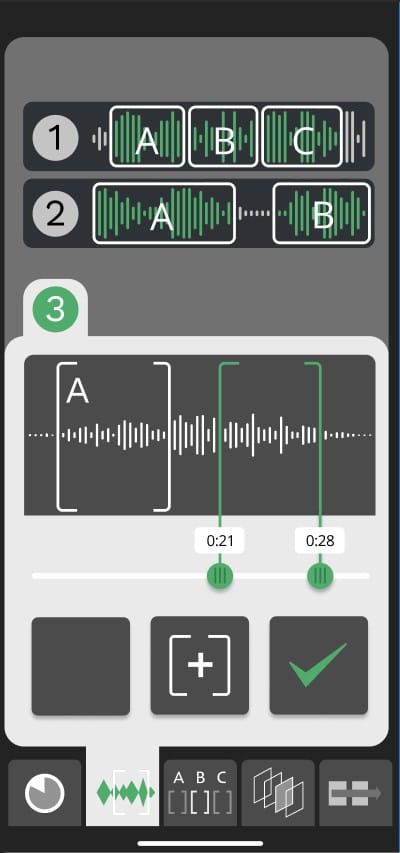
The sound files from the recording booth can be sectioned to trim the best takes, separate ideas for potentially rearrangement.
3 - Naming / tags:
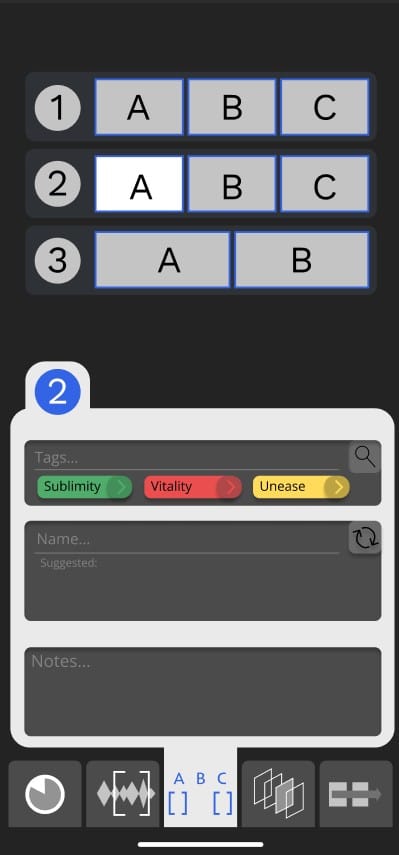
The sections from the editing booth can be individually tagged using a default or custom taxonomy (system of classification). The tags in the figma prototype are from a music classficiation called GEMS (the Geneva Emotional Music Scales).
4 - Riff Library:
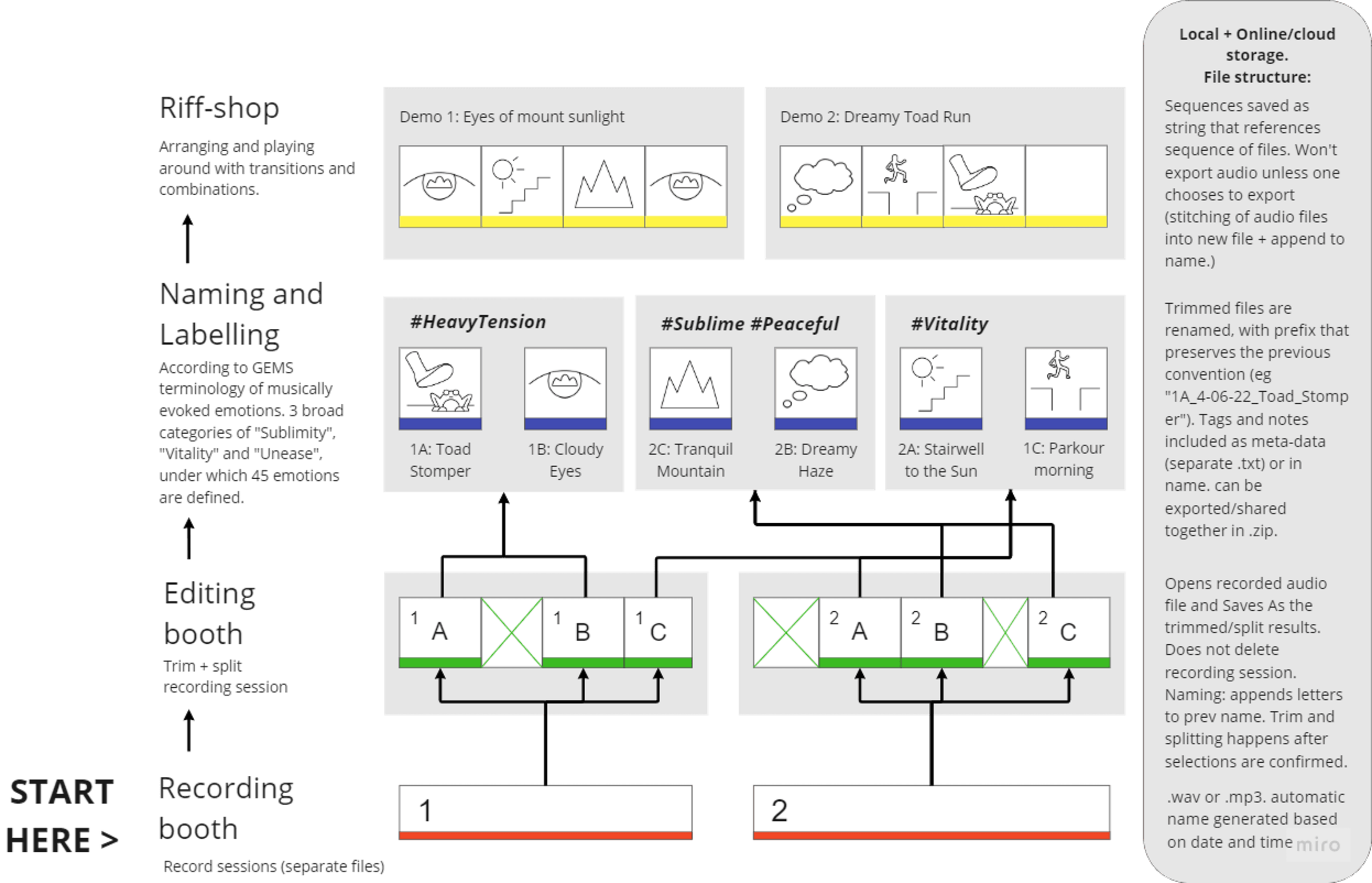
All saved sections can be dragged and dropped in a sequence to demo how they sound. This is handy because coming up with a good riff is one thing, pairing it synergetically with another is the next step.
user workflow and Information Architecture: